
Frammer for news
Stories cut as they air.
Frammer watches your live news feed and splits it into stories while the broadcast runs. Each one gets a headline, a short description and hashtags, in widescreen and vertical. Your desk reviews before anything posts.
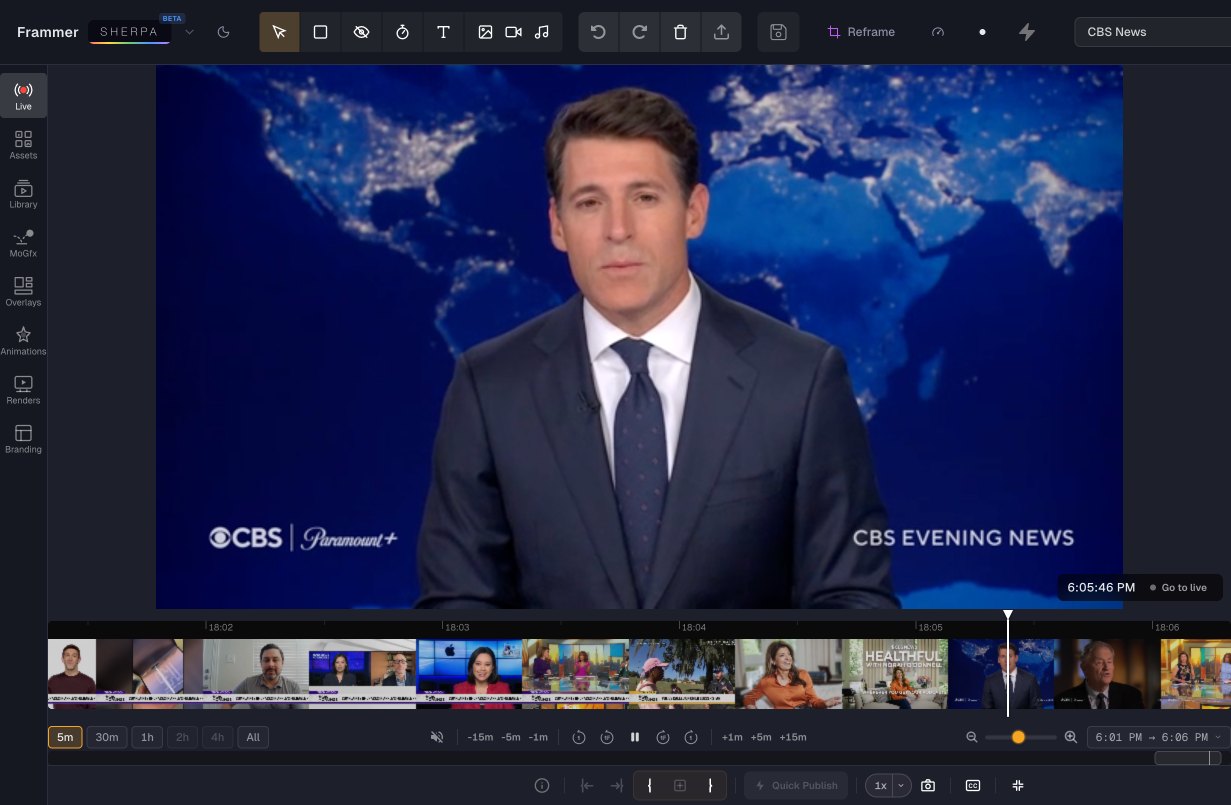 Live · Frammer Sherpa
01One bulletin
A live feed in. A story list out.
Thirty-five minutes of a live news feed became 22 stories, each cut to stand on its own. These four are shown with Frammer’s own headlines and thumbnails.
- A headline, a description and hashtags for every story
- Suggested cover frames: pick one or keep Frammer’s choice
-
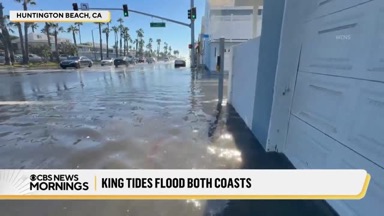 00:07:46 Record-Breaking King Tides Cause Flooding from Long Beach to Florida16:9 · 9:16
 -
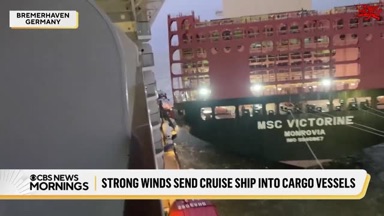 00:13:55 Cruise Ship Collides with Container Vessels in Bremerhaven, Germany16:9 · 9:16
 -
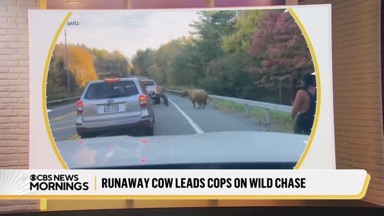 00:18:03 Maggie the runaway cow safely back home after police chase in Putnam County16:9 · 9:16
 -
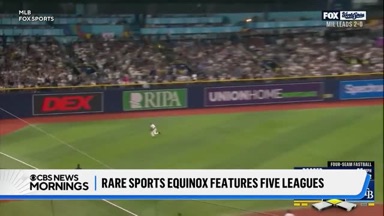 00:22:27 Sports Equinox Sees Games in All Five Major Pro Leagues on Same Day16:9 · 9:16
02Vertical news
Every story, ready for phones.
Each story also comes in 9:16, and when several people talk in the same shot, Frammer stacks them so no speaker is cut out.
- Edit by transcript: select the words, get the cut
- Post straight to social once your desk approves
News Stories · 00:24:24Steelers Beat Saints in Paris After Violent Protests and Amid Tight Security
03How it works
The rundown, for a newsroom.
-
01
SRT · RTMP · HLS · YouTube · file upload
Ingest
Point Frammer at the live news feed or upload a bulletin.
-
02
Live News Stories
Split
It cuts the feed into stories while the broadcast runs.
-
03
Headline · description · hashtags · cover
Write
Each story gets a headline, a description and hashtags, plus suggested cover frames.
-
04
Review queue · edit by transcript
Review
Your desk approves, and can re-cut any story from its transcript.
-
05
YouTube · Instagram · Facebook · X · LinkedIn · API and webhooks
Distribute
Publish to social, or send stories into your own CMS or app.
See it on your own bulletin.
Book a demo and bring a stream link or a recorded bulletin.
Book a demo